

Available on all plans.
Developing Model
Development mode
Outlines development mode in Cube Cloud—branch-scoped APIs, save and commit flows, and safe iteration before promoting changes to production.
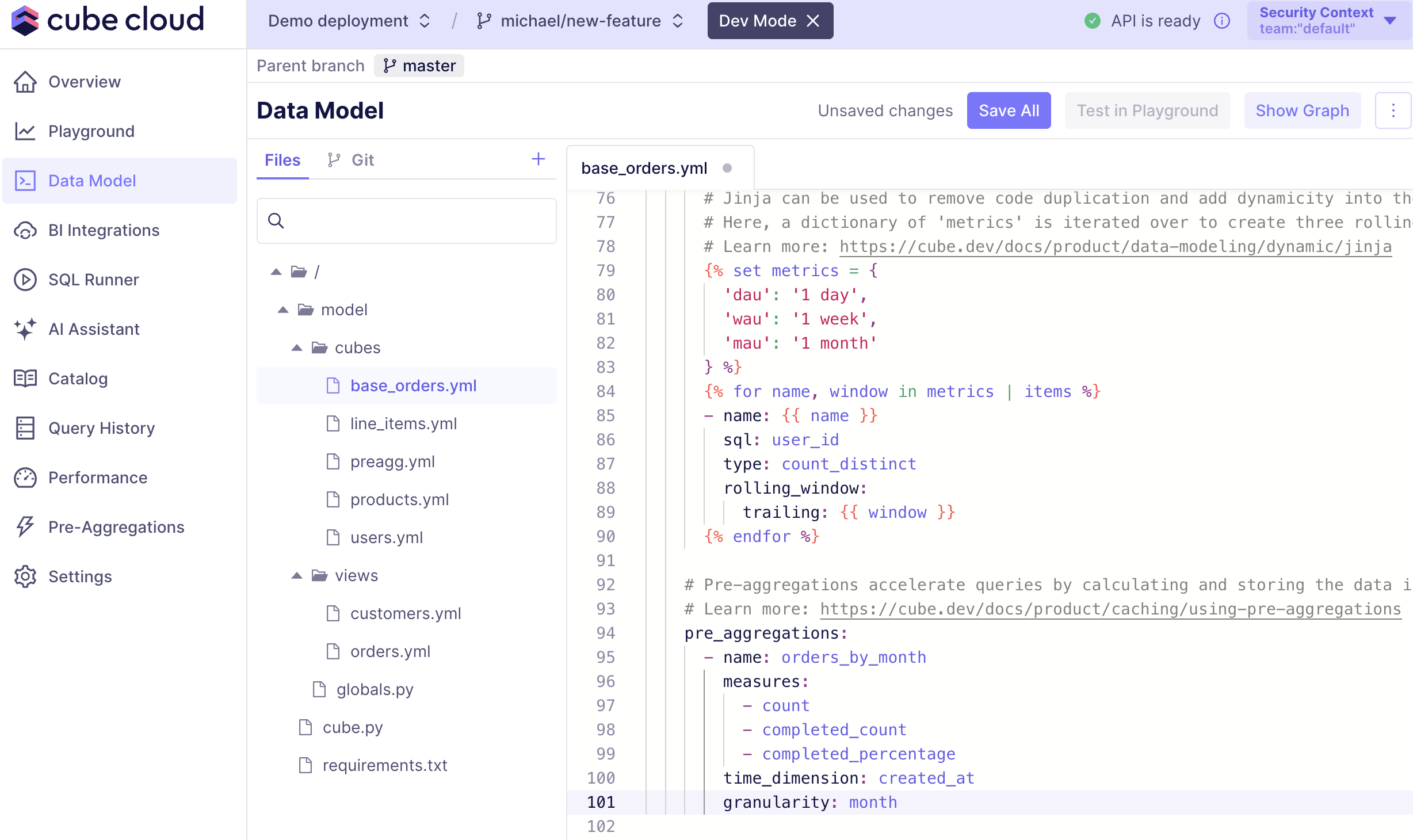
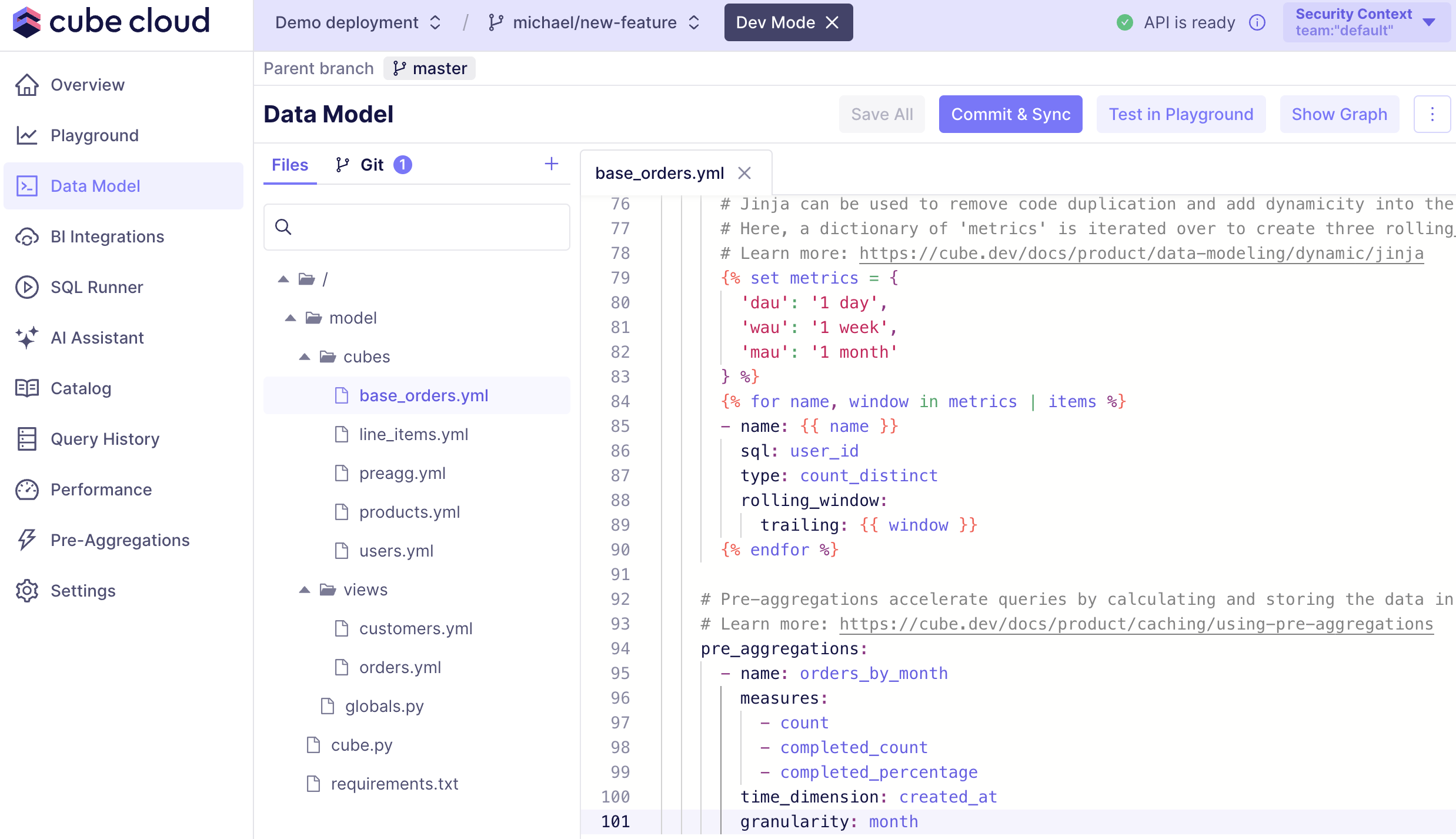
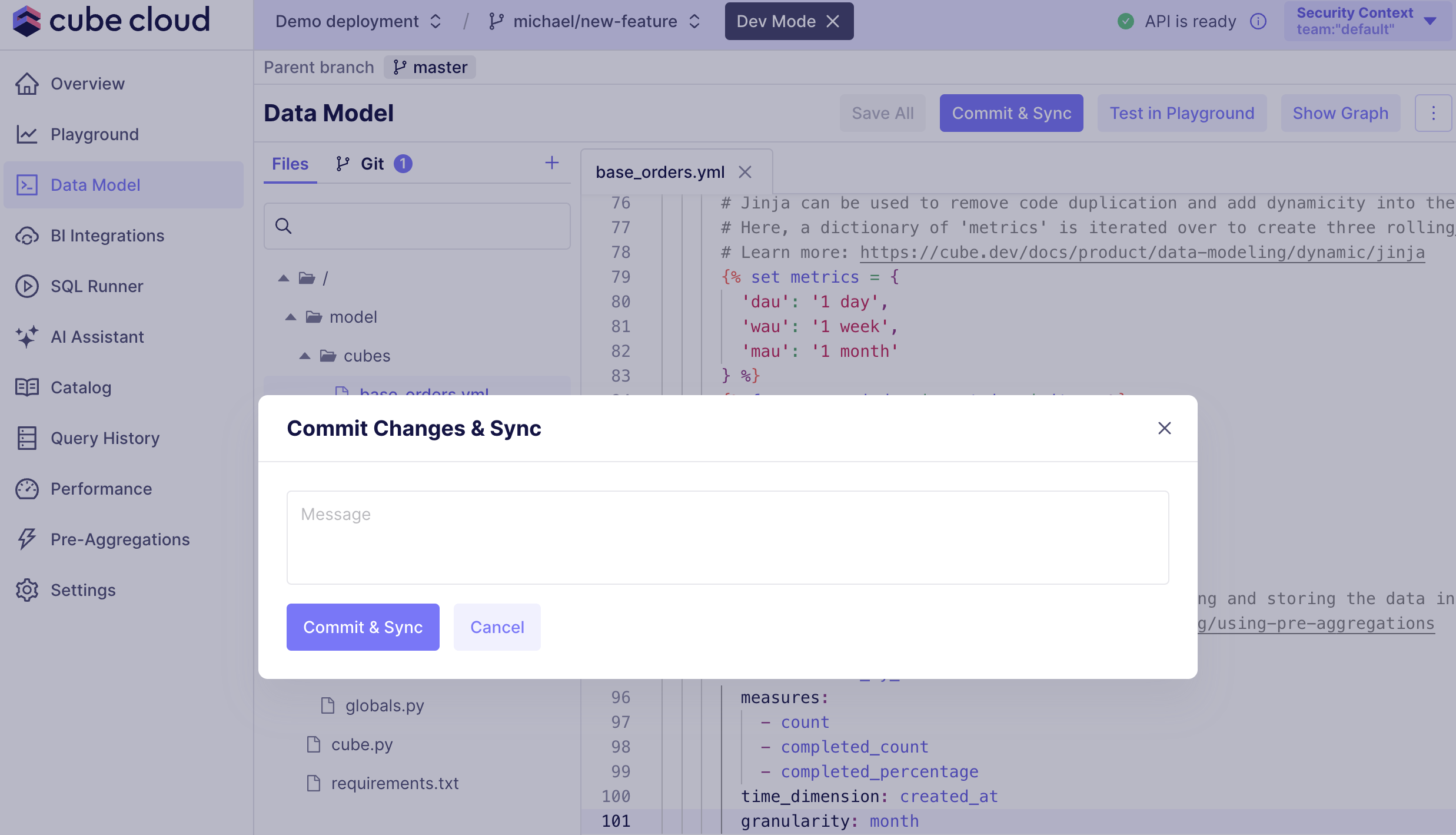
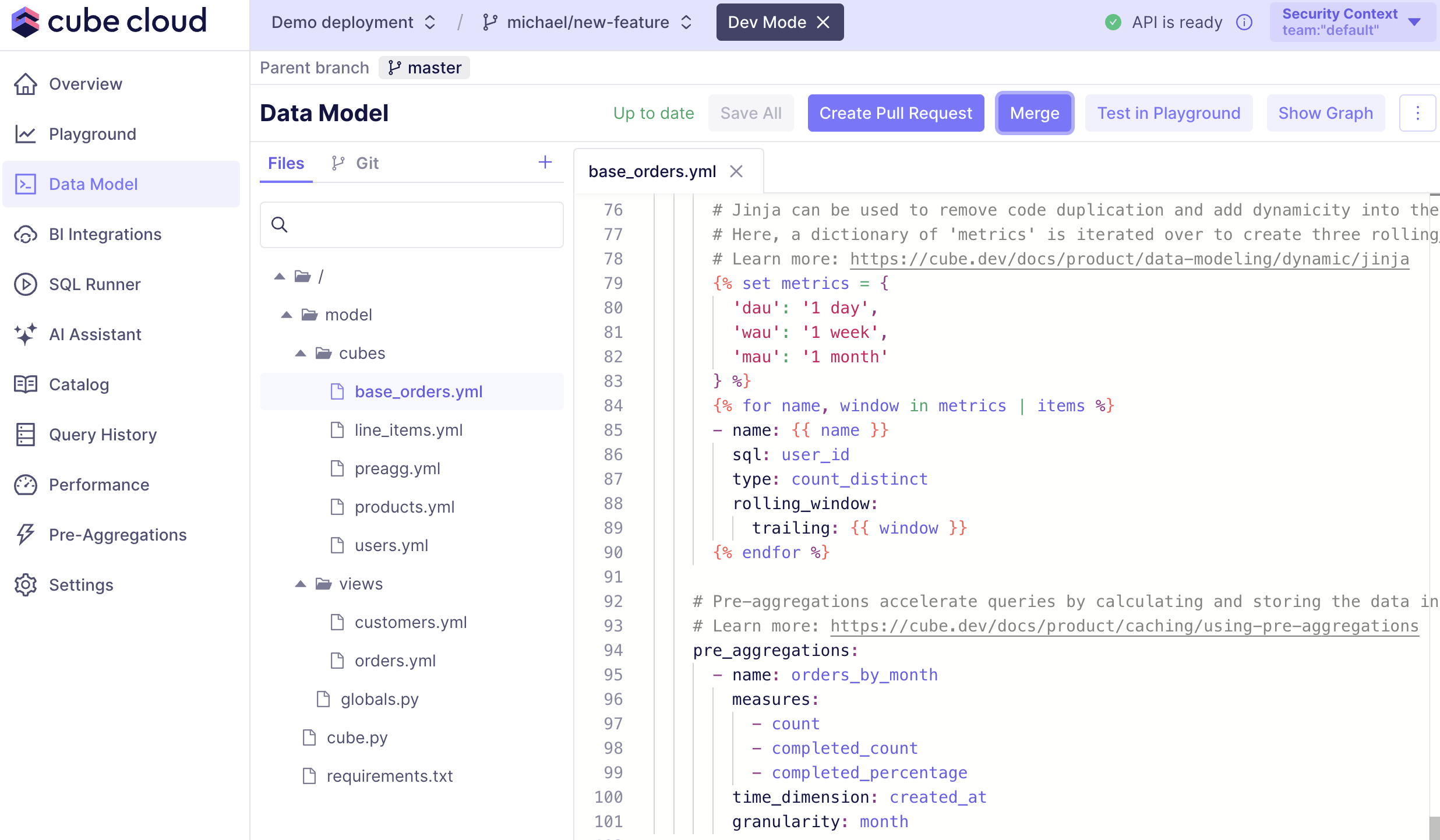
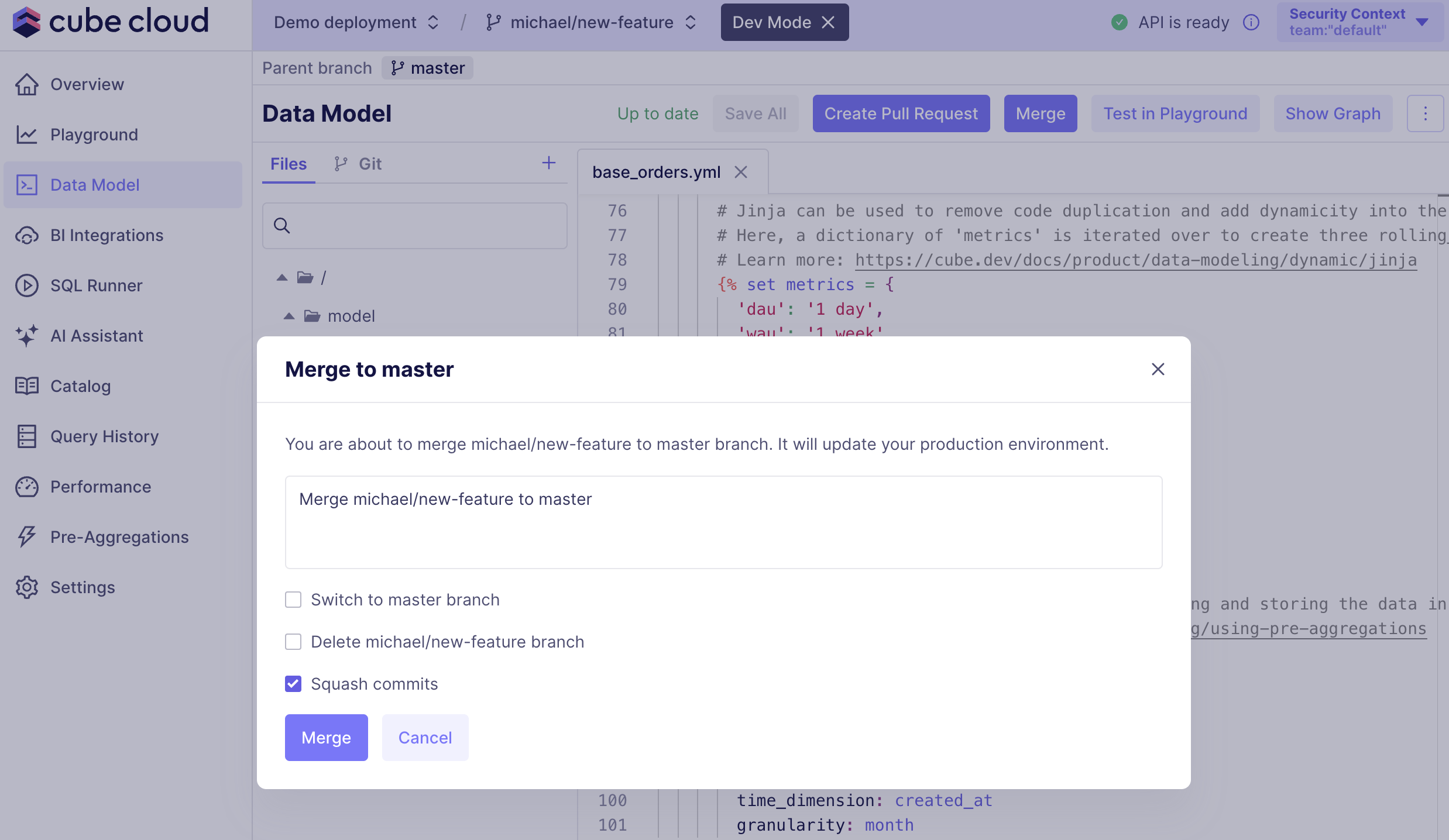
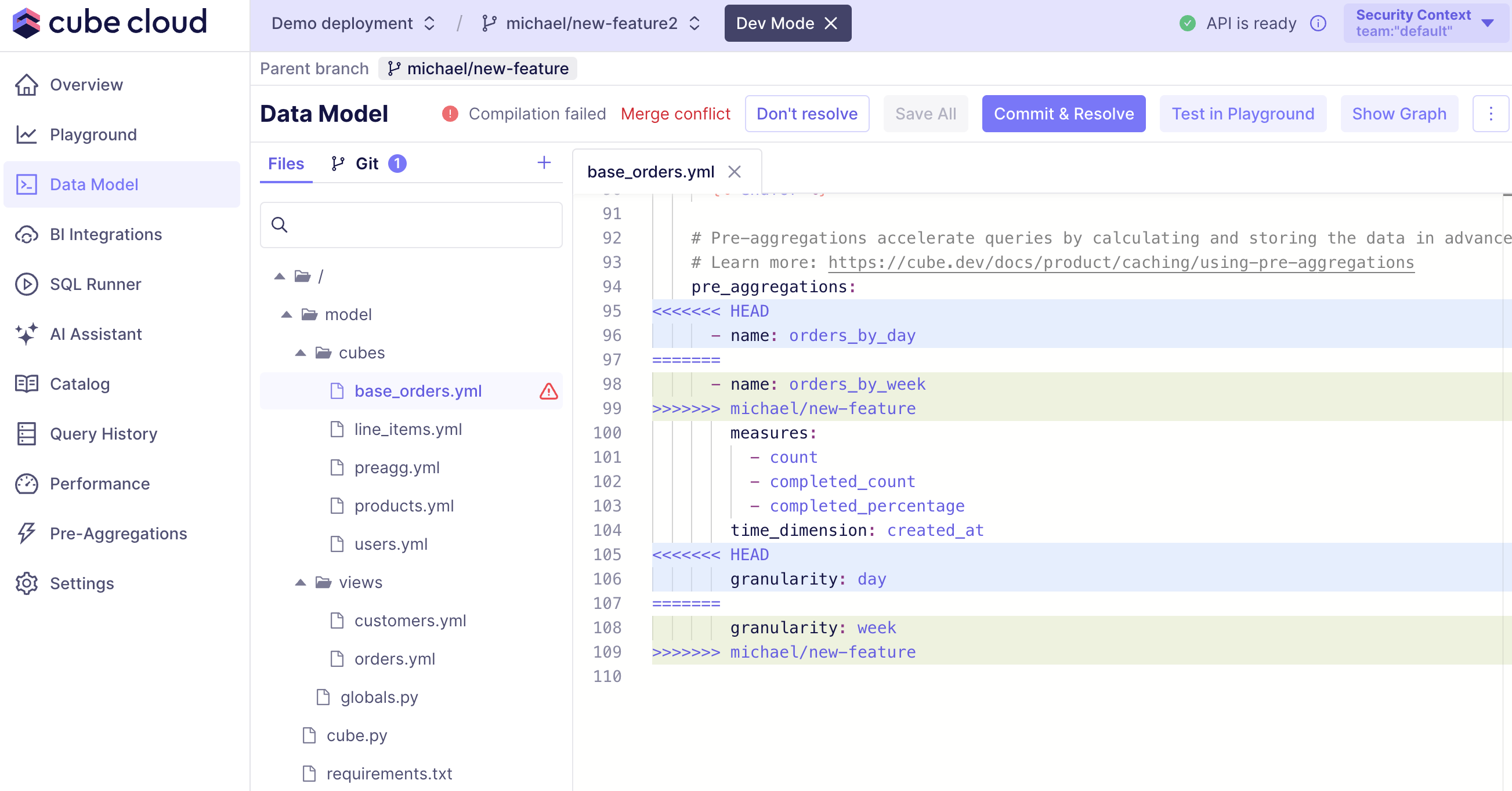
Development mode allows to test and debug the data model in an isolated
development environment before releasing any changes to production.

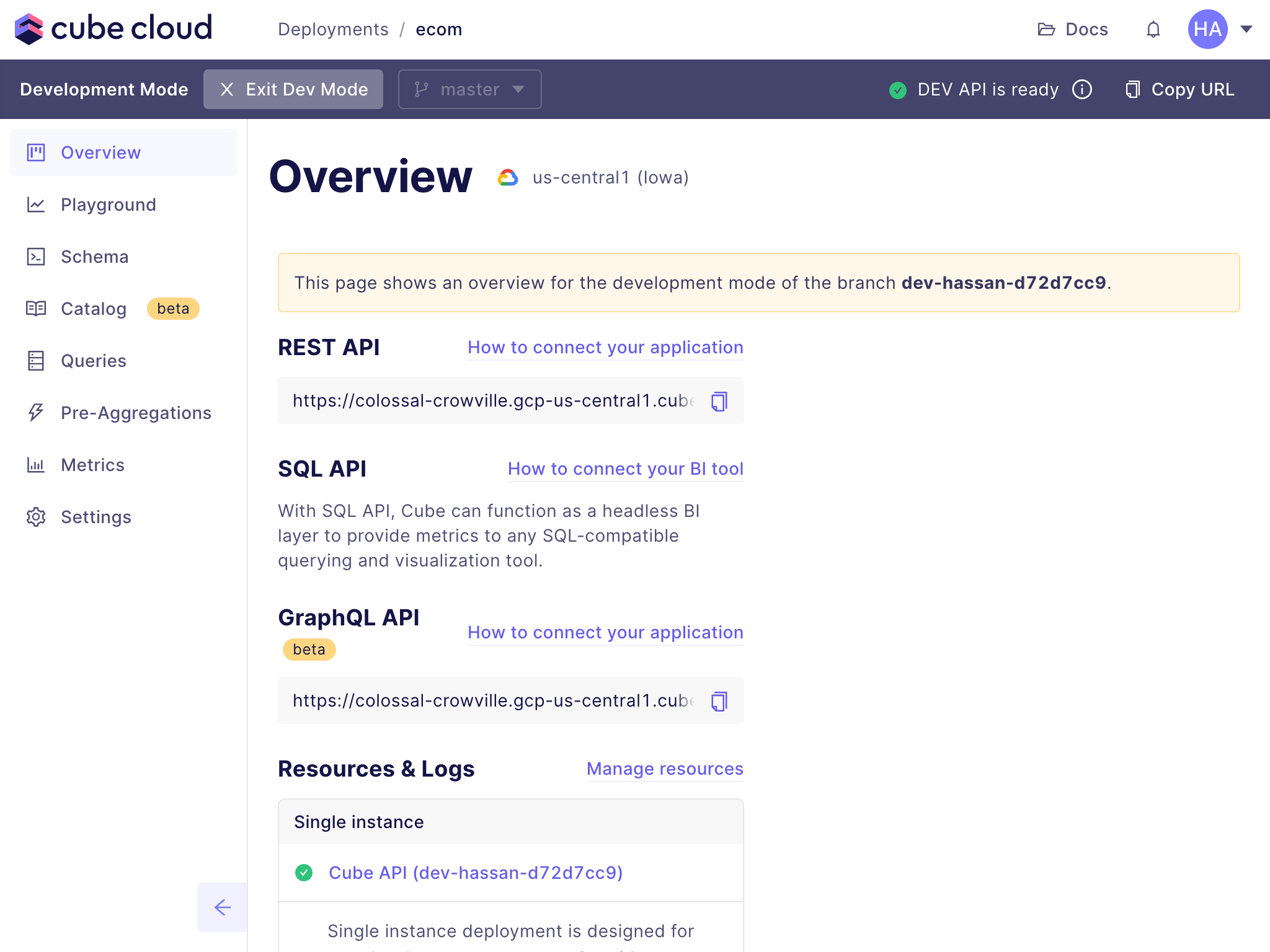 Read more about the available endpoints on the Environments page.
When you enter the development mode, you’ll have access to your personal API endpoints
that will track the branch you’re on and will be updated automatically when you make
changes to the data model.